
Custom Fields to Enrich Order Data
To receive custom order data such as FFL License Numberad, FFL Name, and other FFL transfer information in BigCommerce, you must first configure custom fields through the admin dashboard.
Adding Custom Fields
-
Navigate to Settings → Account sign up form → Address Fields
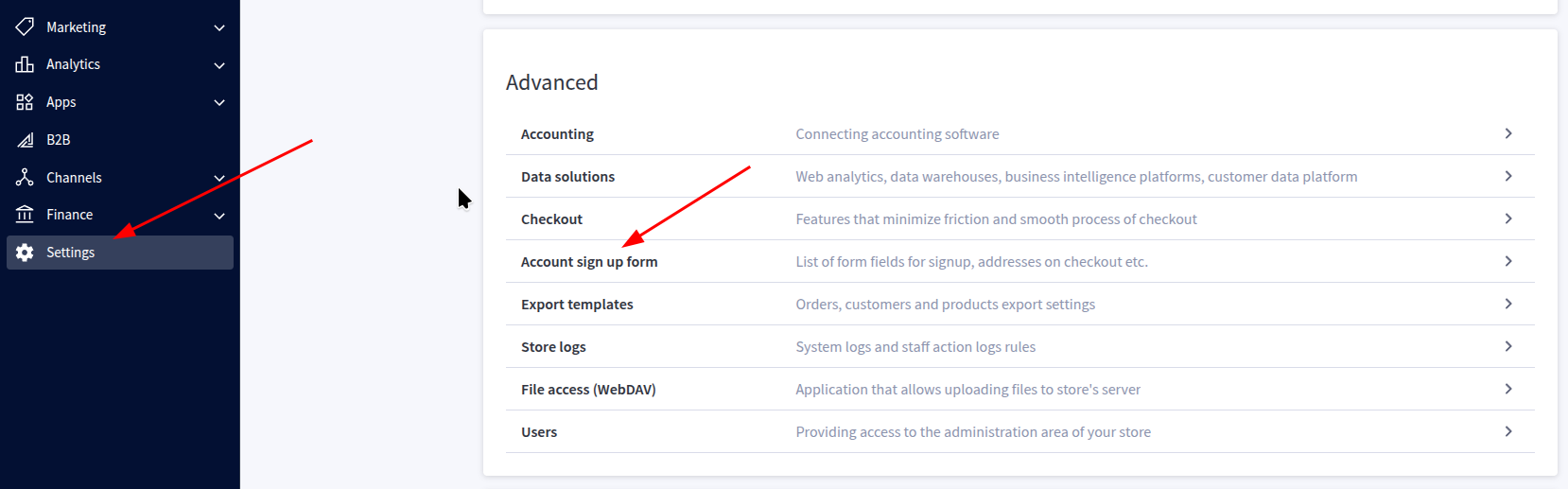
-
Enter the following custom fields as text fields:
- FFL-License-Number
- FFL-Name
- FFL-Master-Proof
- CFD
- FFL-License-Number-Short
- FFL-Expiration-Date
- EIN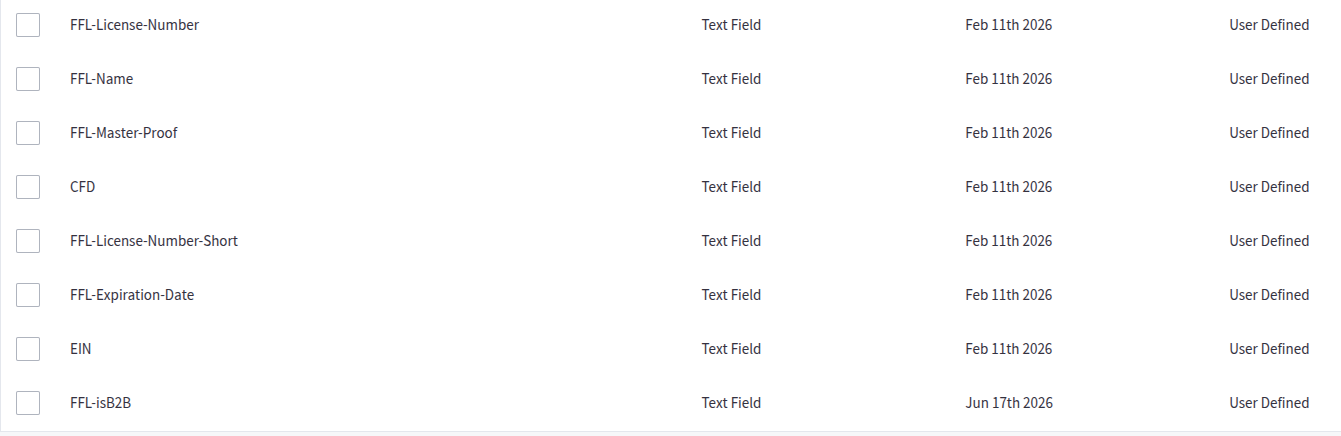
Enhanced Order Data
Once these fields are configured, FFL360 will send back enhanced order data after the order finishes processing.
Important Notes
-
Custom fields will appear on order data and invoices
-
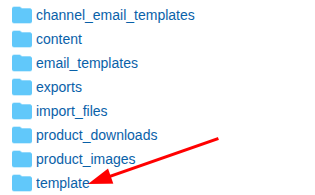
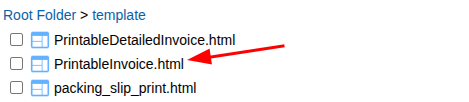
We provide a custom invoice template that can be downloaded here and added to your storefront to remove these custom fields from invoices if desired. This file must be added via WebDAV to the /template directory. You will override the current file named PrintableInvoice.html with the downloaded version.
Updated 23 days ago