
Grant Storefront Access
1. Grant WooCommerce Access for Plugin Installation & Configuration
Create a WordPress administrator account for the MasterFFL team so we can install the plugin, configure checkout settings, and complete onboarding.
Steps to Provision Access
-
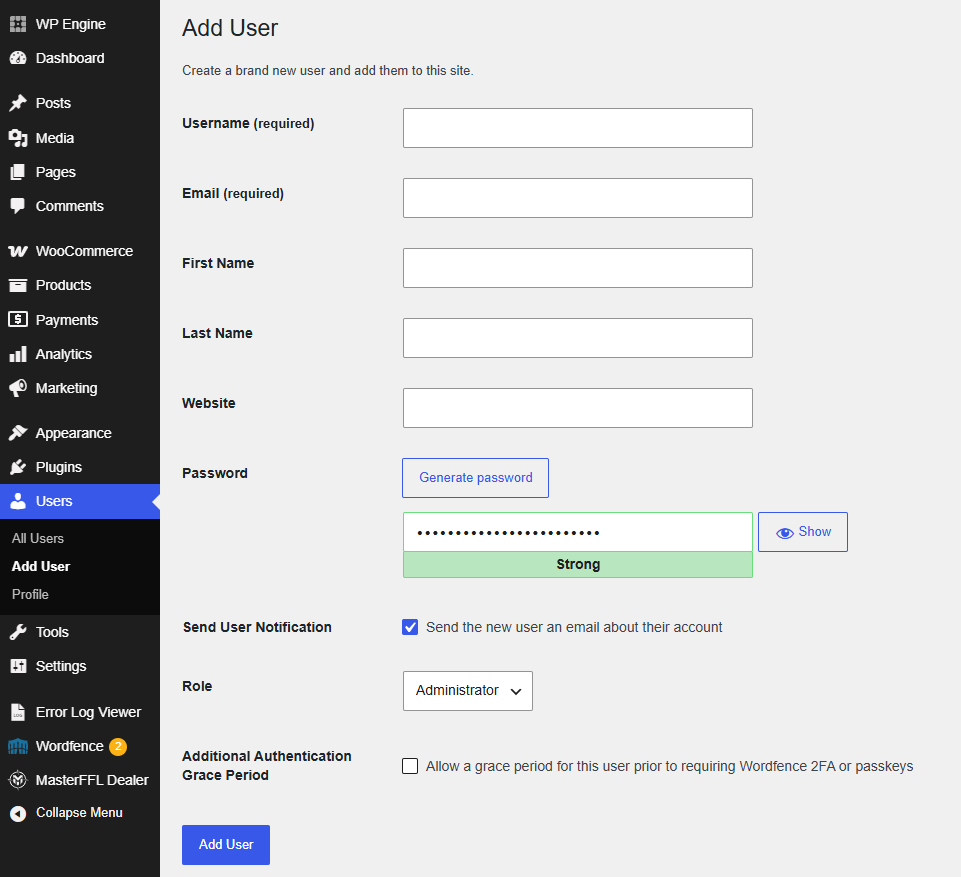
In your WordPress Admin, go to Users > Users
-
Click Add New User.
-
Enter details as below:
-
Username :
masterffl -
Email :
[email protected] -
First Name :
MasterFFL -
Last Name :
Support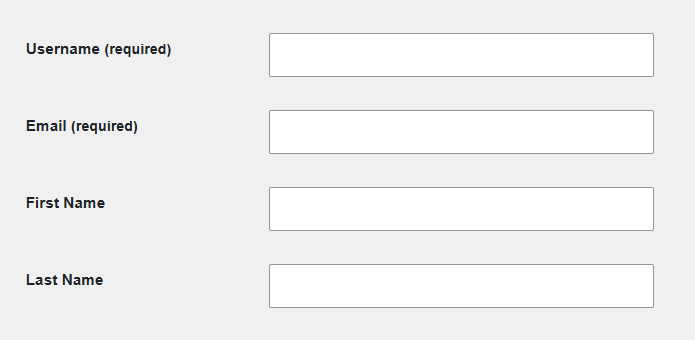
-
-
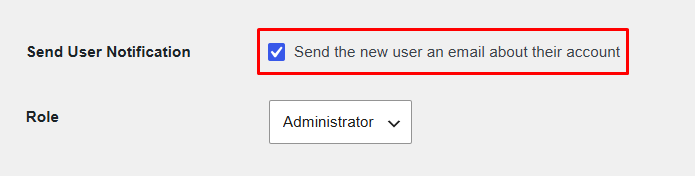
Set the role to Administrator and
-
Set the checkbox "Send the new user an email about their account" to Yes (checked).
-
Save the user account.
This is the first step in onboarding and is required before we can complete plugin installation and checkout configuration.
Updated 20 days ago
Did this page help you?